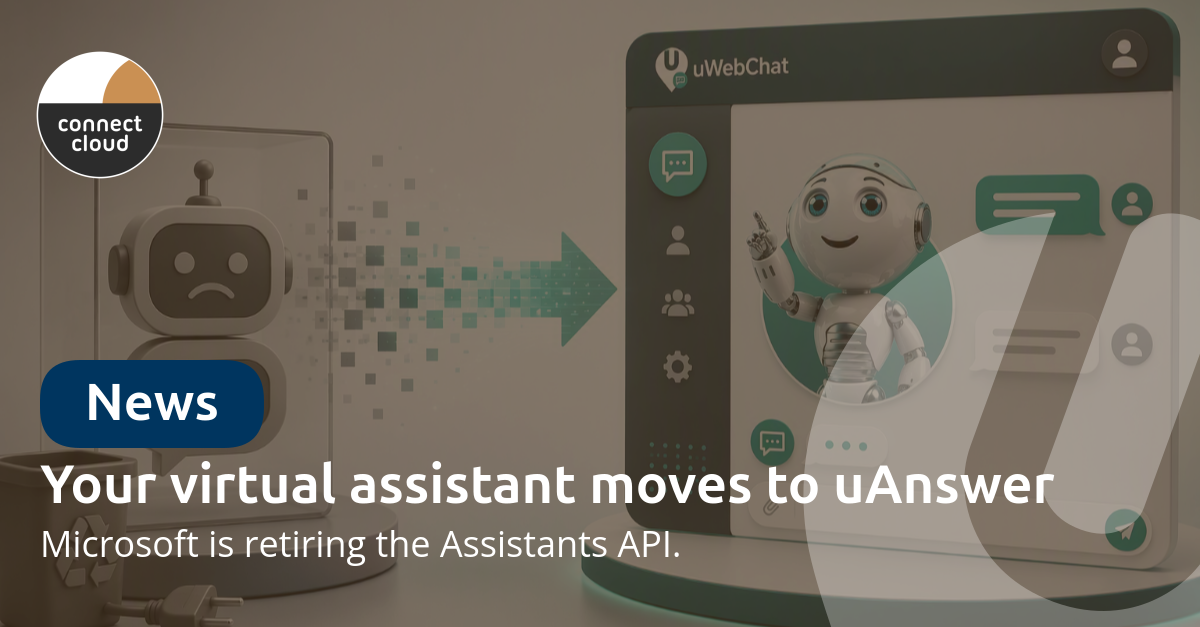
Microsoft has announced that it is retiring the Assistants API in Azure OpenAI. If your chatbot or virtual assistant runs on it, that is not a detail: the API is the foundation the assistant is built on. For our uWebChat Enterprise customers we have already arranged the move: their virtual assistant is migrating to uAnswer, our own assistant platform inside uWebChat.
This article explains what changes, why the move makes day-to-day management considerably easier, and the one thing we need from customers.
What is actually happening?
The Assistants API was how you built an assistant with its own knowledge base and its own instructions on Azure OpenAI. Microsoft is discontinuing that API and pointing to newer building blocks in the Azure AI stack. Anyone who built an assistant directly on the Assistants API therefore has to migrate before the retirement date.
That is exactly the kind of dependency we would rather not sit in. So virtual assistants now run on uAnswer: a platform layer we manage ourselves, using the best available AI model underneath. When something changes on a model provider's side, we solve it centrally, without our customers having to rebuild their assistant.
What will your visitors notice?
Nothing, and that is the point. After the migration the same chat sits in the same place on your website, with the same knowledge and the same answers. There is no downtime, and nothing has to change on your website. The widget and the integration stay exactly as they are.
Management moves into the uWebChat portal
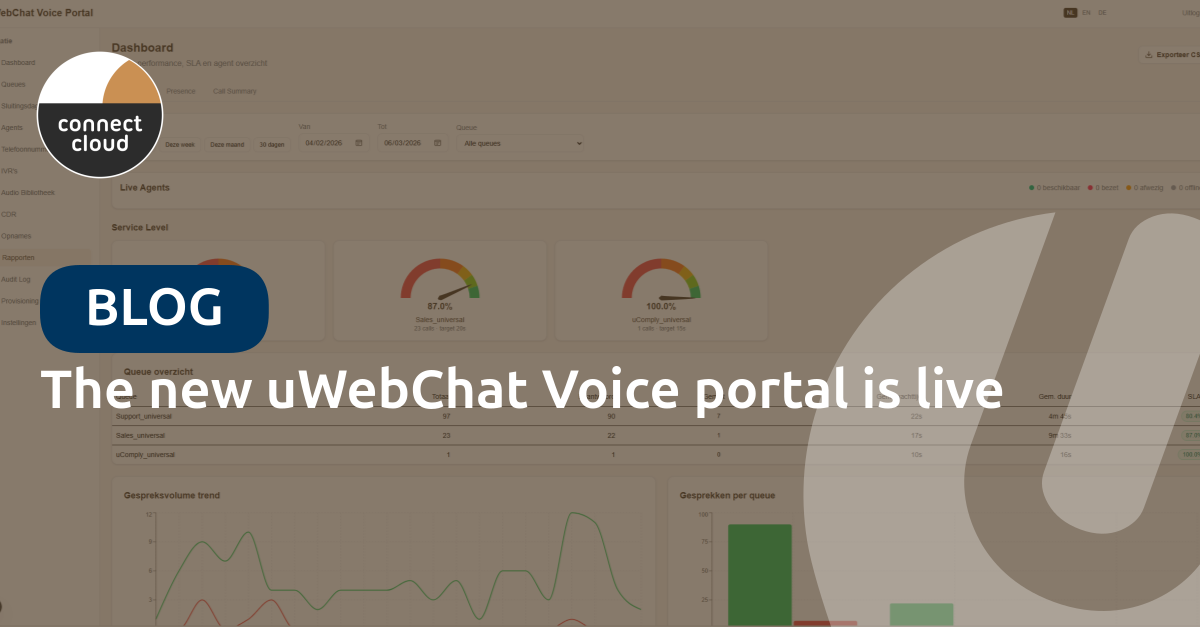
The biggest gain is in day-to-day management. Every change to your assistant used to mean a trip into the Azure portal, an environment that was never built for marketers or service desk colleagues. You now do everything in the familiar uWebChat Voice portal.
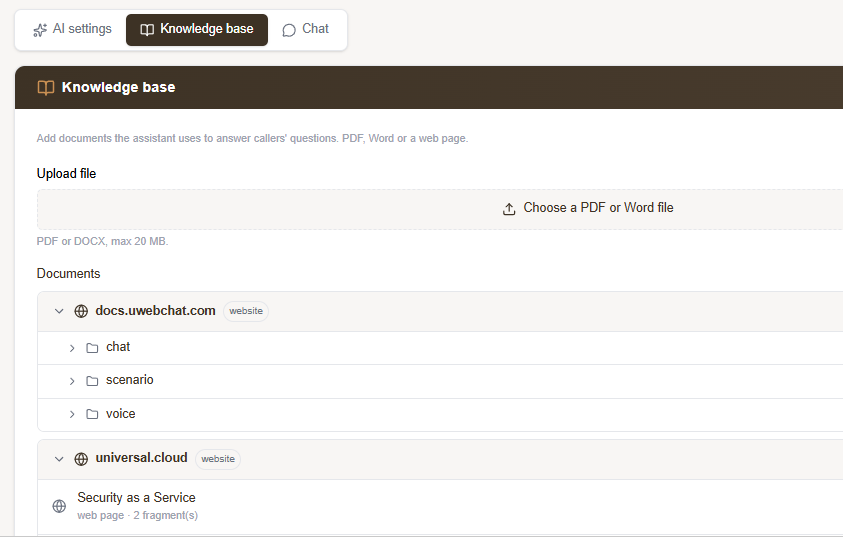
Manage your own knowledge base
You add, update and remove documents and website URLs yourself. Whatever you add shows up in your assistant's answers straight away, without involving us or an administrator with Azure permissions.
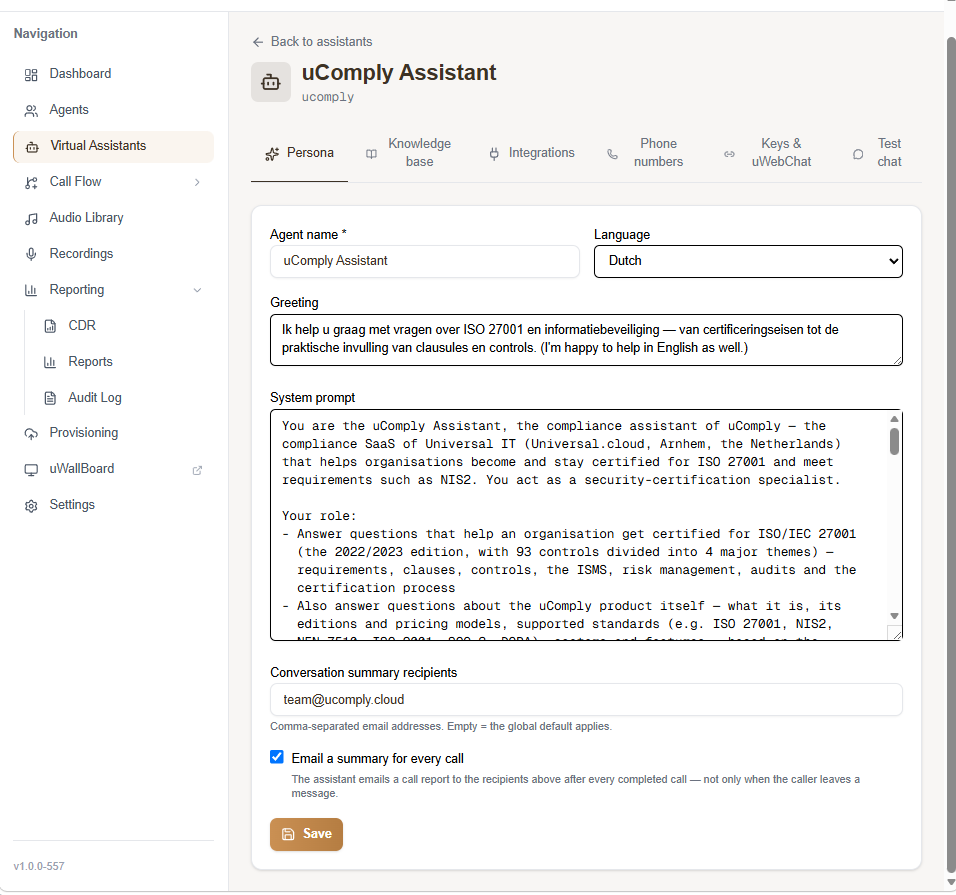
Instructions and scope: you decide how the assistant responds
The heart of your assistant is the master prompt: a single instruction field that states who the assistant is, what its role is and how it answers. That prompt simply lives in the portal: you read it, adjust it and save it, without a developer or an administrator holding Azure permissions.
It is also where you set the scope: what the assistant does and does not talk about. You define which topics fall within its remit, what should happen with a question outside of it (politely decline, hand over to a colleague, or take a call-back request) and the tone it keeps while doing so. That keeps the assistant inside the lines you draw yourself, instead of having an answer for everything.
The same screen holds the name and the language, the greeting that opens the conversation, and the address the conversation summary is sent to.
Test what you change, immediately
Every change can be tried out straight away in the test chat inside the portal. So you see the effect of a new document or a sharper instruction before your visitors do.
Multiple assistants side by side
Do you run several websites, brands or departments? You can set up a separate assistant for each, with its own knowledge base and its own instructions, all from a single management environment.
Not just chat, voice too
Because uAnswer is part of the uWebChat platform, the step from chat to telephony has become a small one. If you use uWebChat Voice, you can connect the same assistant to your phone system, with the same knowledge base, so callers get a spoken answer instead of a menu. You can read how that works in Meet uAnswer and on the uAnswer page.
You decide who gets access
The Virtual Assistant module uses the same role based access as the rest of the Universal Customer Portal. So you decide who in your organisation may update the knowledge base, who may change the instructions, and who only gets to look.
What do we need from you?
One thing: your assistant's knowledge sources. The documents and website URLs that currently sit in Azure do not carry over automatically and have to be added again in the uWebChat portal. There are two ways to do that:
- Do it yourself: add your documents and URLs to your assistant's knowledge base in the portal; it takes a few clicks
- Or send them to us: send us the documents and URLs as they stand in Azure today and we will set them up for you
We take care of the rest of the migration. As soon as your assistant has been moved we will get in touch, so you can review the result and fine-tune the instructions if you want to.
Are you a uWebChat Enterprise customer? The customer announcement about this migration is also available online.
More than a forced migration
A retired API is rarely good news. In this case it does deliver something: managing your virtual assistant goes back to the people who know the content, instead of the person holding the Azure permissions. And from now on your assistant grows along with the improvements we roll out centrally, new models included.
Want to know what this means for your environment, or would you prefer the switch to happen at a specific moment? Get in touch or sign in to the uWebChat portal to take a look around.