Teams contact center: compare the best solutions for 2026
Which contact center fits Microsoft Teams? Compare native Call Queues, Microsoft-certified solutions and uWebChat Voice — with pros, cons, features and pricing.
Read moreConnect Cloud
Teams contact center for business telephony
Every service-oriented organization is a contact center. uWebChat Voice turns Microsoft Teams into a complete contact center platform — with call routing, wallboards, reporting, recording and CRM integration.
Give your team the contact center capabilities for Teams telephony. Who is calling, how long are they waiting, are all calls being answered? uWebChat Voice adds these capabilities to Microsoft Teams without changing how you work.
Integrate business telephony into Microsoft Teams via Direct Routing — keep your existing phone numbers without porting. Add the features you expect from professional telephony: wallboards, call recording, reporting, CRM integration and intelligent routing. Works with both Teams users and desk phones or other SIP devices.
From intelligent call routing to real-time insights — everything your team needs to serve customers professionally by phone
Smart routing via Teams telephony
Route calls automatically to the right person. Based on availability, skills or priority — so customers are not transferred unnecessarily.
Live team dashboard in Teams
See at a glance how many calls are waiting, who is available and how your team is performing. Ideal for team leaders who need to act quickly.
Insight into your Teams telephony performance
How many calls are you missing? How long do callers wait? Which agent answers the most calls? From daily SLA overview to detailed call analysis.
Compliance and coaching via Teams
Record calls for coaching, quality control or compliance. Search and playback through the management portal.
Customer recognition during Teams calls
See who is calling instantly: customer data, open tickets and call history appear automatically in Teams. Supports Dynamics, Salesforce, TOPdesk and more.
Professional calling from Teams
Always call out with your business number, regardless of which employee calls. Professional appearance, recognizable to your customers.
Phone, chat and WhatsApp in Teams
Phone, webchat and WhatsApp in one interface. Your team does not need to switch between systems — all customer conversations in one place in Teams.
Desk phones and Teams on one platform
Combine Teams softphone with desk phones, doorbells or fax machines. Maximum flexibility without compromising functionality.
Automated management via the portal
Callers automatically hear a message outside business hours. Configure opening hours, holidays and forwarding rules through a simple portal.
Seamless integration with Microsoft Teams for enhanced calling capabilities
Connect your existing phone numbers to Microsoft Teams via Direct Routing without porting numbers or purchasing Microsoft Calling Plans.
Use Office 365 groups or define custom groups and departments. Organize agents, set up queues, and determine priority for optimal call handling.
Set up intelligent call routing based on availability, skills, and business rules. Configure auto-attendants and queue behaviors.
Install real-time dashboards throughout your office to give teams visibility into queue status, waiting calls, and performance metrics.
Connect uContactManager to your business applications (Dynamics, Salesforce, Zendesk) to display customer information during calls.
Use comprehensive reports and analytics to identify trends, optimize staffing, and improve service levels continuously.
Organizations that need enterprise contact center capabilities in Microsoft Teams
Handle high call volumes with intelligent routing, queue management, and real-time visibility into team performance.
Integrate CRM data, track call metrics, and use custom caller ID to present a professional image to prospects and customers.
Route support calls efficiently, display ticket information during calls, and maintain comprehensive call records for quality assurance.
Coordinate calling across multiple locations with centralized management, unified reporting, and flexible agent groups.
Meet regulatory requirements with call recording, audit trails, and detailed reporting capabilities.
Manage voice, webchat, and WhatsApp interactions from a single platform, giving agents complete customer context.
No number porting to Microsoft or expensive Calling Plans. Connect your current numbers via Direct Routing and call directly from Teams.
Wallboards and reports give your team and management real-time visibility into calls, wait times and service levels.
With Direct Routing, voice routing runs via a separate path, independent of Microsoft Teams. Your organization remains reachable by phone, even during a Teams outage. Essential for organizations where phone availability is business-critical.
Step-by-step guides for configuring and managing uWebChat Voice
Overview, requirements and license information
Login, dashboard and user permissions
Queues, business hours and Shifts integration
Interactive menus, options and holidays
Audio library, recordings and uploads
Statistics, reports and real-time dashboards
Often combined with uWebChat Voice
Discover how uWebChat Voice helps your team serve customers better and more efficiently by phone — directly from Microsoft Teams.
SCHEDULE A DEMONo hidden costs. All prices per month, excluding VAT.
Direct Routing
Per concurrent channel. Connect your own SIP trunk to Teams.
Complete contact center
Add what you need
All prices exclude VAT. Phone numbers (EU) from €1.50/month. One-time setup from €250.
Request a custom quoteEverything you need to know about a contact center solution in Microsoft Teams
A Teams contact center is a contact center solution that runs entirely within Microsoft Teams. Agents don't need a separate application — all calls, chats and customer information come together in Teams. uWebChat Voice adds smart routing, wallboards, reporting and CRM integration to your existing Teams environment.
Yes, with uWebChat Voice you replace your separate contact center system with a solution fully integrated in Microsoft Teams. Skill-based routing, IVR menus, queues, wallboards and reporting — everything works from within Teams. Your agents only use Teams, no extra software.
uWebChat Voice offers comprehensive reporting: service level per queue, abandoned/answered ratio, average wait time, agent presence monitoring, detailed call flow tracking and exportable reports. With the renewed portal you get real-time dashboards and historical trend analysis.
Yes, uWebChat Voice is an omnichannel solution. Besides telephony, it also supports webchat and WhatsApp, all from the same Teams interface. Serve customers via their preferred channel without switching between applications.
Via uContactManager, incoming callers are automatically identified based on their phone number. Customer information from your CRM (Dynamics 365, Salesforce, HubSpot, TOPdesk or AFAS) appears directly in Teams as an Adaptive Card — before you even answer. No extra software, everything in Teams.
uWebChat Voice starts from €9 per user per month. The exact cost depends on the number of agents and desired functionality. Contact us for a custom quote — implementation takes an average of 2 weeks.

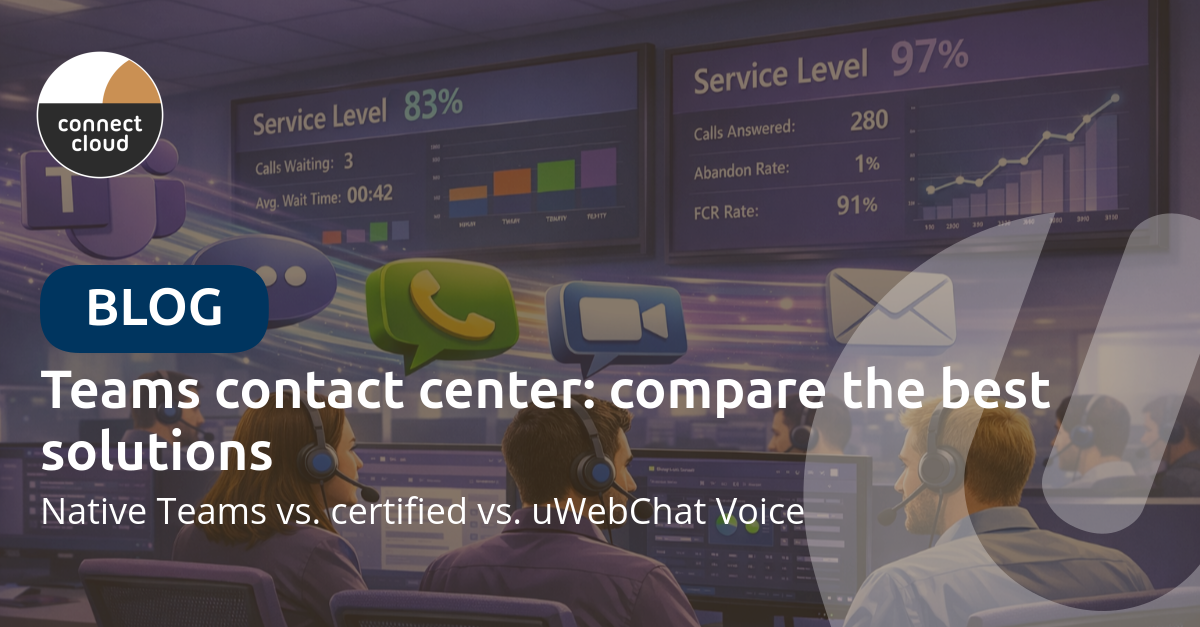
Which contact center fits Microsoft Teams? Compare native Call Queues, Microsoft-certified solutions and uWebChat Voice — with pros, cons, features and pricing.
Read more
Auto-transcribe every Teams phone call and let Copilot write the summary. Step-by-step: which license you need, how to enable transcription, and real examples of AI-generated action items.
Read more
Which Teams phone option is cheapest? Direct Routing, Operator Connect and Calling Plans compared from €8/user/month, with a 25-user cost example.
Read more