uWebChat Voice IVR — Configure interactive menus and holidays
Configure IVR (Interactive Voice Response) menus in uWebChat Voice. Create menus, set options, link audio and manage holidays.
Interactive Voice Response (IVR) allows you to create interactive menus for callers. Callers can select an option using their keypad, after which the call is routed to the appropriate queue, agent or another IVR menu.
IVR overview
Go to the IVR menu for an overview of all your IVR menus.
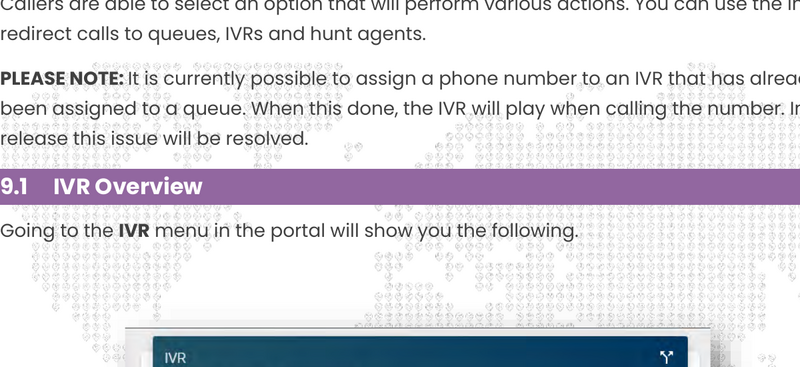
IVR overview
Each IVR menu shows:
- Name: — The name of the IVR menu
- Is Root: — Whether this is the root IVR (the first menu that plays)
- Phone Number: — The phone number linked to this IVR
- Parent IVR: — Optional: the parent IVR menu
Create an IVR
Press the plus sign (+) to create a new IVR menu.
Generic settings
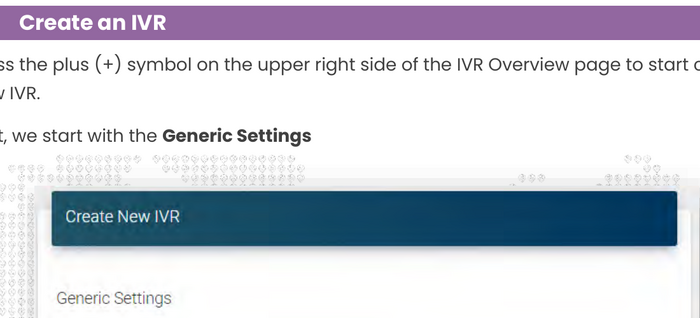
Create IVR
- IVR Name: — Can be entered freely
- Is Root IVR: — Set to True for the first IVR menu
- Linked Phone Number: — The phone number that triggers this IVR
- Parent IVR: — Optional: link to a parent menu
Audio settings

IVR audio settings
- IVR Prompt: — The message that plays after the welcome prompt
- Welcome Voice Prompt: — The first message when calling the IVR
Contact Universal Cloud to upload audio files, or use the Audio Library (see Audio & call recording).
Edit an IVR
Click on an IVR menu in the overview and click Edit IVR to change settings.
Edit IVR
Business hours
Just like queues, you can set business hours for IVR menus.
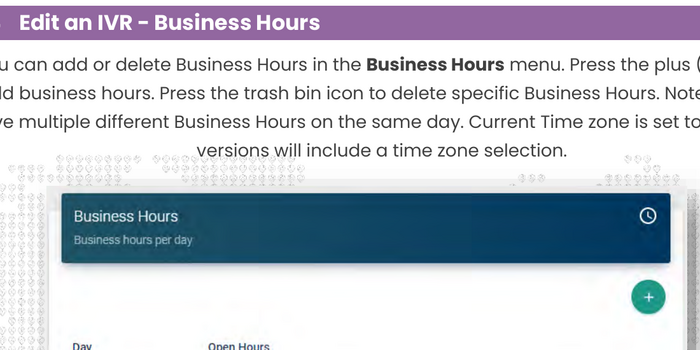
IVR business hours
Holidays
Assign holidays to the IVR menu. During holidays, the IVR will not play.
IVR holidays
IVR menu options
The menu options define the behavior of your IVR. Press the plus sign (+) to add an option.
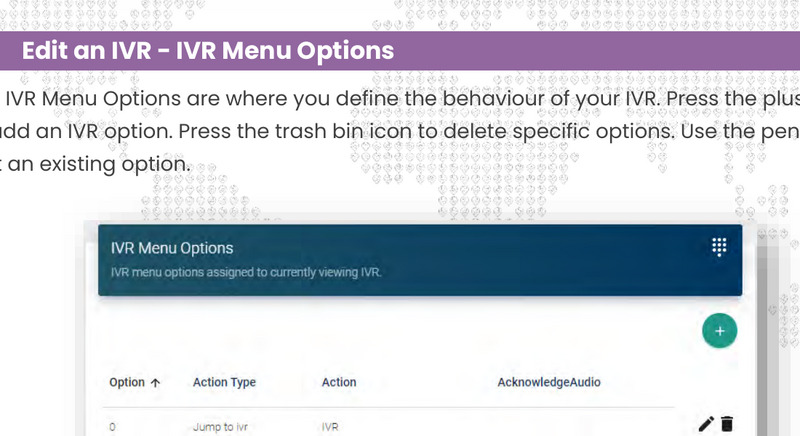
IVR menu options
Each option has the following fields:
- Option: — The digit the caller must press
- Action Type: — The type of action to perform
- Action: — The target of the action
- AcknowledgeAudio: — Optional audio file that plays when this option is selected
Available action types
| Action Type | Explanation |
|---|---|
| Return to Parent IVR | Redirect to the parent IVR menu |
| Jump to IVR | Redirect to another IVR menu |
| Jump to Queue | Redirect to a call queue |
| Repeat Current IVR | Replay the IVR prompt |
| Hunt Agent | Directly call a specific agent |
Managing holidays
Holidays are predefined dates that affect the availability of call queues and IVR menus.
Holidays overview
- Day: — The date of the holiday (full days only, no time frames)
- Description: — Description of the holiday
Note: holidays are not automatically recurring. Every year you need to create new holidays or edit existing ones.
Chat With Us
Get instant help from our support team
News & Insights
The new uWebChat Voice portal is live
2026-03-31
Laptop prices are rising fast: order now before it's too late
2026-03-16
Microsoft 365 E7: the new all-in-one suite for AI and productivity
2026-03-12
Related Articles
Need More Help?
Can't find what you're looking for? Our support team is ready to assist.
Submit a Support Ticket