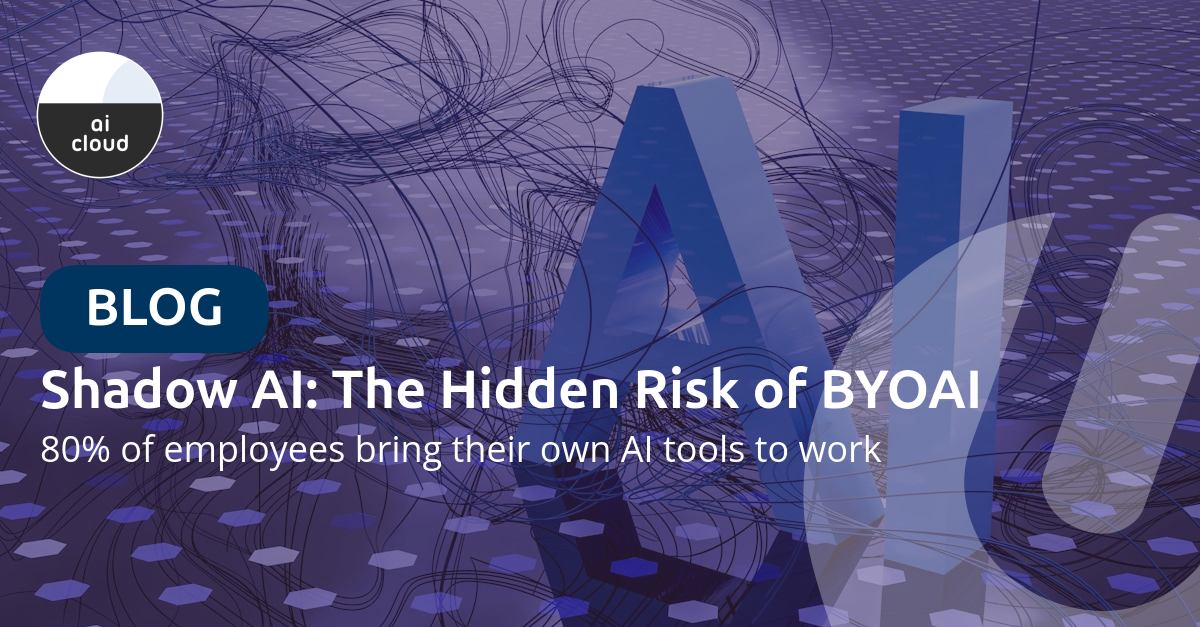
A striking figure from the Microsoft Work Trend Index report: 80% of employees at small and medium-sized businesses bring their own AI tools to work. This phenomenon, known as BYOAI (Bring Your Own AI), seems harmless but poses significant security risks.
What is Shadow AI?
Shadow AI refers to the use of AI tools that are not approved or managed by the IT department. In practice, this means employees use ChatGPT for emails and reports, deploy AI translation tools for customer communication, or consult free AI assistants for data analysis. Sometimes they install browser extensions with AI functionality without reporting it.
The problem? Employees often upload sensitive company data to these tools without realizing what happens to that information.
The Risks of Uncontrolled AI Usage
When employees enter company information into external AI tools, you lose control over where that data goes. Many free AI tools use input data to train their models, which can lead to unintended data leaks.
Compliance risks also play a major role. Under GDPR and upcoming regulations like NIS2, you must know where personal data is processed. Shadow AI makes this virtually impossible. Confidential product information, strategic plans, or customer data can unintentionally end up in external systems.
Finally, without centralized AI governance, inconsistent quality and reliability in AI-generated content quickly emerges.
Why Employees Embrace BYOAI
The Work Trend Index research shows that employees aren't deliberately taking risks. They're simply looking for solutions to everyday challenges. The research reveals that 53% of employees lack time or energy for all their tasks. Workload keeps increasing while budgets are frozen, and AI simply saves time on routine tasks immediately.
The intention is good, but without a framework, problems arise.
The Solution: Microsoft 365 Copilot
Instead of banning AI (which doesn't work), offer a secure alternative. Microsoft 365 Copilot provides enterprise-grade security where data stays within your Microsoft 365 tenant. Information is not used to train AI models, and there is complete audit logging of all AI interactions.
Additionally, Copilot is designed with compliance in mind: GDPR compliant, with Data Loss Prevention (DLP) integration and respect for sensitivity labels. You manage who has access to AI functionality, gain insight into which data is queried through AI, and use centralized reporting via the Microsoft 365 Admin Center.
A Practical Approach to Shadow AI
Start with an inventory: ask your employees which AI tools they use. This provides insight into needs and the scope of the problem. Then establish an AI policy that defines which tools are allowed and what data can or cannot be entered into AI systems.
The most important step is offering a secure alternative. Microsoft 365 Copilot provides the same productivity benefits within a secure environment. Review the different Copilot options to see which fits your organization.
Don't forget to train your employees. Explain why certain tools pose risks and how to effectively use the approved alternatives. Finally, use the logging and reporting capabilities to monitor AI usage and adjust where needed.
Compare Your Options
Unsure which Copilot license fits your organization? Our Copilot page features a comprehensive comparison table of all Microsoft Copilot variants, including pricing and features.
Conclusion
BYOAI isn't a trend that will disappear – it's the new reality. The question isn't whether your employees use AI, but whether they do so in a way that protects your organization.
By offering a safe, approved alternative with Microsoft 365 Copilot, you combine the productivity benefits of AI with the security your organization needs.
Source: Microsoft Work Trend Index 2024
---
Want to know how to address Shadow AI and implement AI securely? Universal Cloud helps you set up an AI strategy that matches your security requirements.