October is European Cybersecurity Month. A good moment not just to talk about security, but to actually do something about it. Most attacks on small and medium-sized businesses are not sophisticated. They succeed because a basic measure is missing: an account without MFA, a laptop that hasn't been updated in months, or a backup that turns out not to exist.
The good news: a handful of measures closes the doors attackers use most. In this article we list seven you can sort out this month. Tick them off yourself, or let us take a look with you.
1. MFA on every account, preferably phishing-resistant
Multi-factor authentication is still the single measure with the biggest impact. Yet in practice we often see exceptions: the accounting package, the web shop, the banking portal or a shared account that "temporarily" has no MFA.
- List every system you sign in to: email, cloud storage, accounting, CRM, bank, website, VPN
- Turn on MFA on every system that supports it, for all users and without exceptions
- Choose phishing-resistant methods where possible, such as passkeys or a physical security key. An SMS code can still be intercepted by an attacker through a fake sign-in page.
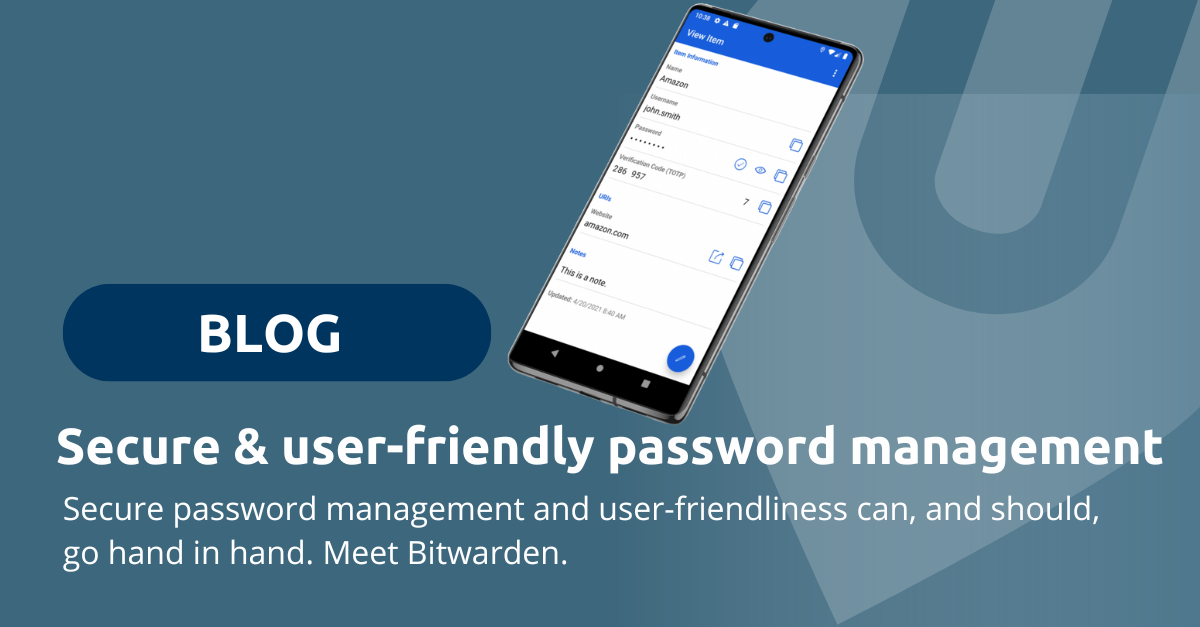
- Use a password manager for strong, unique passwords per service. Read how to make that user-friendly in our article on secure password management.
2. Limit admin rights
The more rights an account has, the bigger the damage when it is taken over. Does your IT administrator use the same account for email and browsing? Then a single phishing email is enough to lose the keys to your entire environment.
- Use separate admin accounts that are only used for administration
- Keep the number of administrators as small as possible and assign rights based on the task
- Don't give employees local admin rights on their laptop. That makes it harder for malware to install itself.
- Set up emergency access, so you can always get in when an administrator is unavailable
3. Keep everything up to date
Attackers gladly exploit known vulnerabilities for which an update has long been available. Often it isn't the laptop itself, but something nobody thinks about anymore: the router, the firewall, a NAS or an old plugin on the website.
- Turn on automatic updates for operating systems, browsers and applications
- Keep an inventory of your devices, including network equipment, printers and phones
- Replace hardware and software that no longer receives updates
- Check monthly that updates have actually been installed
4. Make sure you have a backup you can actually restore
Ransomware doesn't just encrypt your files, it actively looks for your backups too. A backup on a drive that is always connected to the network is therefore not enough.
- Follow the 3-2-1 rule: three copies, on two types of storage, one of them off-site or offline
- Don't forget your cloud services. A common misconception is that the provider already makes a backup. With Microsoft 365, for example, your data remains your own responsibility, and the same goes for your Entra ID configuration. Read more about ConnectWise Cloud Backup with Entra ID protection.
- Test a restore. A backup you have never restored is an assumption.
Also have a look at our uBackup service.
5. Clean up old accounts and access
Former employees, last year's interns, a supplier who once got access to a shared folder: every forgotten account is an open door. Attackers specifically look for accounts nobody is watching anymore.
- Review all users and block accounts that are no longer needed
- Check external access for suppliers and guests
- Change shared passwords that former employees had access to
- Define an offboarding procedure, so access is revoked on the last working day
- Bonus: what you clean up often saves licence costs too
6. Train your employees and run a phishing exercise
Most attacks still start with an email, a text message or a phone call. Technical measures catch a lot, but your employees are the last line of defence. And with AI, phishing emails and cloned voices are becoming more and more convincing.
- Run a phishing simulation to see how your organisation really stands
- Follow up with a short awareness training, ideally with examples from your own sector
- Agree how to verify unusual requests, for example a payment request from the director: always call back on a known number
- Make reporting easy and safe. Anyone who clicked a link should be able to report it without embarrassment.
7. Know what to do when things go wrong
No security is watertight. The difference between a bad day and a week of downtime often lies in the preparation. Who do you call when ransomware appears on screen? Who is allowed to decide to shut systems down?
- Write a short incident plan: who does what, who to call, where the backups are
- Keep the key contact details offline, because during an attack you may not be able to reach them
- Know your reporting obligations. If you fall under NIS2, you must give an early warning of a significant incident within 24 hours. For a data breach, the GDPR notification duty applies.
- Rehearse the plan once, even if it's just around the meeting table
From checklist to provably secure
Ticking off seven measures is a good start. The challenge is keeping it that way: updates that keep running, alerts that get followed up and accounts that don't quietly linger again. And more and more often you need to be able to show it too, to an insurer, a client or under the NIS2 directive.
That is what our Provably Secure bundle is for: Security as a Service continuously monitors your environment, and uComply turns it into an up-to-date audit file.
Until 30 November: half reimbursed
Most measures in this checklist are covered by the Dutch Mijn Cyberweerbare Zaak subsidy. Freelancers and SMEs with up to 50 employees get 50% of the costs reimbursed, up to €1,250. MFA, backups, a password manager, patch management, awareness training and a risk assessment are all eligible.
Sign up before 30 November and you get the Provably Secure bundle for €150 per month instead of from €299. If the subsidy is not granted, you terminate the contract free of charge. Read all the conditions in our article on Mijn Cyberweerbare Zaak 2026.
Prefer to get started yourself first? Use this checklist as a guide and contact us if you run into anything. Read more about our approach on the Secure Cloud page.