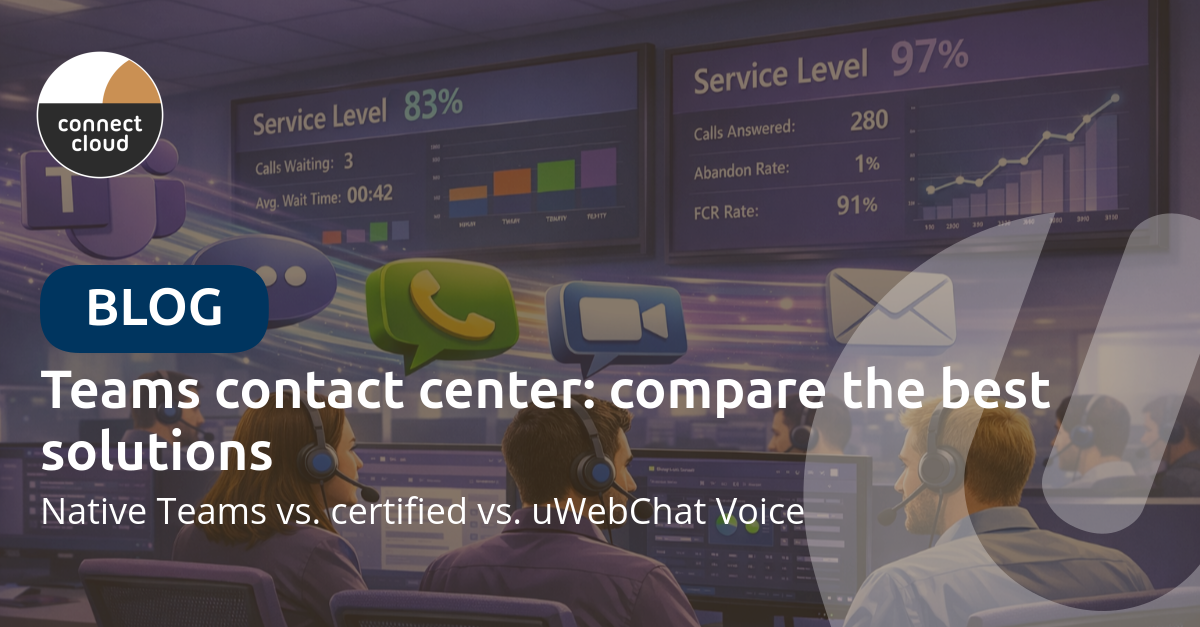
More and more organizations want to run their contact center within Microsoft Teams. It makes sense: your employees already work there, the infrastructure is in place, and it eliminates yet another application. But which contact center solution fits your organization?
In this article, we compare three routes: the native capabilities of Teams, Microsoft-certified contact centers, and uWebChat Voice as a pragmatic alternative.
1. Native Teams: Call Queues and Auto Attendants
Microsoft Teams offers two standard features for inbound call handling:
- Auto Attendant — an automated menu ("press 1 for sales, 2 for support")
- Call Queues — a queue that distributes calls across a group of agents
When is this sufficient?
For organizations with a limited number of incoming calls and no need for reporting or CRM integration, Call Queues work fine. Think of an internal helpdesk or a small team that occasionally receives calls.
Limitations
- No reporting — there's no dashboard with wait times, abandoned calls or service levels. You'll need to manually export data from the Teams Admin Center.
- No skill-based routing — calls are distributed by order, longest waiting or round-robin. You can't assign agents based on language skills or expertise.
- No wallboards — supervisors have no real-time overview of queues and agent availability.
- No CRM integration — agents don't see customer information on incoming calls.
- No omnichannel — telephony only, no webchat or WhatsApp.
- Maximum 200 agents per queue.
Cost
A Teams Phone license (from €8/user/month) plus a Calling Plan or Direct Routing for call costs. Call Queues and Auto Attendants are included with the license.
2. Microsoft-certified contact centers
Microsoft has a certification program for contact center solutions that deeply integrate with Teams. Well-known names include Anywhere365, Luware Nimbus, Landis Contact Center and NICE CXone.
Advantages
- Enterprise-grade functionality — advanced routing, IVR, workforce management, AI analytics, speech-to-text.
- Microsoft-certified — guaranteed integration with Teams, supported by Microsoft.
- Built for large organizations — hundreds to thousands of agents, multiple locations, complex routing rules.
Disadvantages
- High costs — typically €30-80 per agent per month, plus implementation costs of €10,000-50,000+.
- Complex implementation — weeks to months lead time, often requiring vendor consultants.
- Inaccessible administration — the admin portals of enterprise contact centers are notoriously complex. A simple change to a call flow or business hours often requires a specialist or a support ticket. Making adjustments yourself is virtually impossible without extensive training.
- Overkill for most organizations — many features you'll never use, but still pay for.
- Vendor lock-in — migrating to another platform is costly and time-consuming.
When to choose?
Honestly: increasingly rarely. Certified solutions emerged at a time when Teams itself offered little in terms of telephony. Today, solutions like uWebChat Voice offer the same functionality — often implemented faster, at a fraction of the cost.
3. uWebChat Voice: enterprise features, SMB pricing
uWebChat Voice was developed by Universal Cloud with the same ambition as the certified solutions: a full-featured contact center within Teams. The difference is in the approach: no months-long implementation projects, no expensive consultants, and no vendor lock-in.
What does it offer?
- Fully within Teams — agents work exclusively in Microsoft Teams, no additional software.
- Skill-based routing — assign calls based on language, expertise or department.
- Real-time wallboards — supervisors see live wait times, agent availability and service levels.
- Comprehensive reporting — historical dashboards, abandoned/answered ratio, average wait time, agent performance.
- CRM integration — customer recognition via uContactManager with Dynamics 365, Salesforce, TOPdesk, HubSpot and AFAS.
- Omnichannel — telephony, webchat and WhatsApp from one interface.
- AI transcription — automatic call summaries with key takeaways and action items.
- Visual IVR editor — build call menus with drag-and-drop, no code required.
- Admin portal you can actually use yourself — this is perhaps the biggest difference with enterprise solutions. The uWebChat Voice portal is designed so you can adjust queues, change business hours, add agents or modify a call flow yourself — no ticket, no consultant, no training. Where a certified contact center keeps you waiting days for a change, you do it yourself in minutes.
Cost
From €9 per user per month. Implementation takes approximately 2 weeks. No large upfront investment.
Comparison table
| Native Teams | Certified CC | uWebChat Voice | |
|---|---|---|---|
| Skill-based routing | No | Yes | Yes |
| Wallboards | No | Yes | Yes |
| Reporting | Limited | Extensive | Extensive |
| CRM integration | No | Yes (via add-ons) | Yes (standard) |
| Omnichannel | No | Yes | Yes |
| AI transcription | Limited | Depends on vendor | Yes |
| Self-service admin | Via Teams Admin | Complex, often via vendor | Intuitive portal, self-service |
| Implementation time | Instant | Weeks-months | ~2 weeks |
| Ideal for | Small teams, internal helpdesk | Organizations with very specific compliance requirements | Any organization with customer contact |
Which route fits your organization?
Choose native Teams Call Queues if: - You receive fewer than 20 incoming calls per day - Reporting isn't important - You don't need CRM integration
Choose uWebChat Voice if: - You need professional routing, reporting and wallboards - Your agents need to keep working in Teams - You want to serve customers via phone, webchat and WhatsApp - You want CRM integration without custom development - You want to go live fast — implementation takes about 2 weeks
Next step
Want to know which solution best fits your organization? Schedule a free consultation with one of our telephony specialists. We'll analyze your current situation and recommend the solution that fits your volume, budget and growth plans.
Want to read more about Teams telephony? Check out: - Microsoft Teams phone system: pricing and options - Call transcription in Teams with Copilot