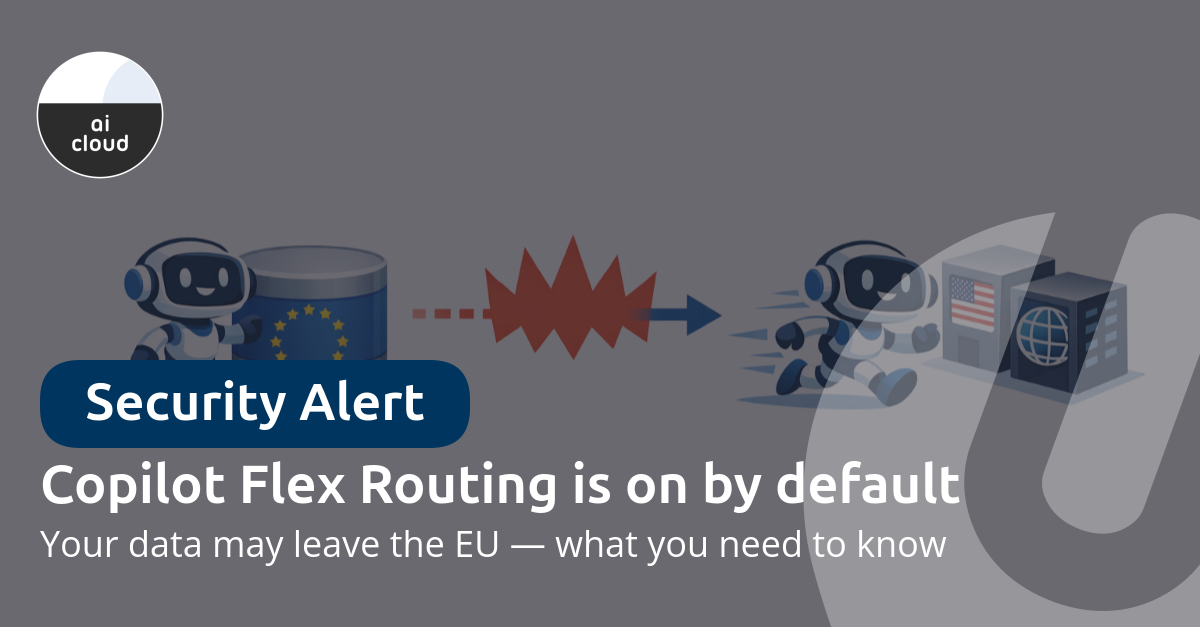
Flex Routing is on by default for new Microsoft 365 tenants in the EU and EFTA created after March 25, 2026. For existing tenants, Microsoft is rolling out the setting gradually — check your Message Center for the exact timing for your tenant. The result: Copilot requests may be processed outside the EU Data Boundary during peak load.
For organizations operating under GDPR, ISO 27001, NIS2 or DORA, this matters. Not because it's inherently unsafe, but because you should be making that choice deliberately — and Microsoft is setting the default to "on".
What is Flex Routing?
Flex Routing gives Microsoft permission to run LLM inference (generating Copilot responses) temporarily outside the EU when European data centers experience peak load. Inference may then occur in the United States, Canada, or Australia.
What Microsoft guarantees:
- Data at rest stays within the EU Data Boundary
- Data is encrypted in transit and at rest
- Only limited pseudonymized material may be stored outside the EU, for security and operational purposes
What it means in practice: when you send a Copilot prompt during a busy period, inference may happen in a data center outside the EU. You get the same answer, but processing briefly left the EU.
Which products are affected?
Flex Routing doesn't just apply to Microsoft 365 Copilot. It covers:
- Microsoft 365 Copilot and Copilot Chat
- Copilot in Dynamics 365
- Power Platform and Copilot Studio
The setting is managed in two places: the Microsoft 365 Admin Center (for M365 Copilot and Copilot Chat) and the Power Platform Admin Center (for Dynamics 365, Power Platform, and Copilot Studio). The Power Platform setting automatically follows the M365 setting, unless you've configured a more restrictive option there.
Note: tenants with multi-geo capabilities will not see the Flex Routing setting, even if the tenant is located in the EU/EFTA.
Not sure which Copilot license your organization is using? Check our Copilot feature comparison for an overview of the differences between Copilot Chat, Business, and Microsoft 365 Copilot.
Compliance impact
GDPR
Flex Routing operates under Microsoft's Data Protection Addendum (DPA) and Standard Contractual Clauses (SCC). Legally, processing outside the EU is covered. But for organizations whose policy dictates that data must not leave the EU — common in healthcare, government, and financial services — a deliberate decision is needed.
ISO 27001
If your Statement of Applicability (SoA) states that cloud data remains within the EU, Flex Routing changes that situation. This requires at minimum a risk assessment and potentially an update to your SoA.
NIS2 and DORA
Organizations under NIS2 or DORA must be able to demonstrate they know where data is processed and have consciously agreed to it. A setting that activates without your action doesn't fit that requirement.
How to disable Flex Routing
Disabling it takes less than a minute:
- Sign in to the Microsoft 365 Admin Center with the AI Administrator role
- Navigate to Copilot > Settings > Flexible inferencing during peak load periods
- Select Do not allow flex routing
If you also use Dynamics 365 or Power Platform: the Power Platform Admin Center setting automatically follows the M365 setting, unless it was configured more restrictively. If you disable Flex Routing in M365 admin center, it is automatically disabled in Power Platform as well and the setting becomes non-configurable there.
Our recommendation
At Universal Cloud, we follow a simple principle: you should know what happens to your data and consciously agree to it. A setting that silently activates and allows data to leave the EU doesn't align with that.
Our recommendation isn't necessarily to disable Flex Routing — but to make it a deliberate choice. The trade-off is straightforward: Flex Routing on means Copilot may respond slightly faster during peak load, but you accept that data temporarily leaves the EU. Flex Routing off means potentially slower response times at busy moments, but your data stays within the EU Data Boundary.
If you choose "on" and your organization is ISO 27001-certified, you'll need to justify this in your risk assessment, Statement of Applicability, and processing register. If you choose "off", that administrative burden doesn't apply. Discuss it with your CISO or privacy officer, and document the decision. Either way: if you've consciously evaluated and recorded the rationale, you're in good shape.
Want to discuss what Flex Routing means for your specific situation? Get in touch — we're happy to help with a quick review of your tenant settings. Looking for structured compliance guidance around Microsoft 365 and information security? Check out uComply — our compliance platform for ISO 27001, GDPR, and NIS2.
Read the official Microsoft documentation on Flex Routing: Flex routing (EU and EFTA) — Microsoft Learn.