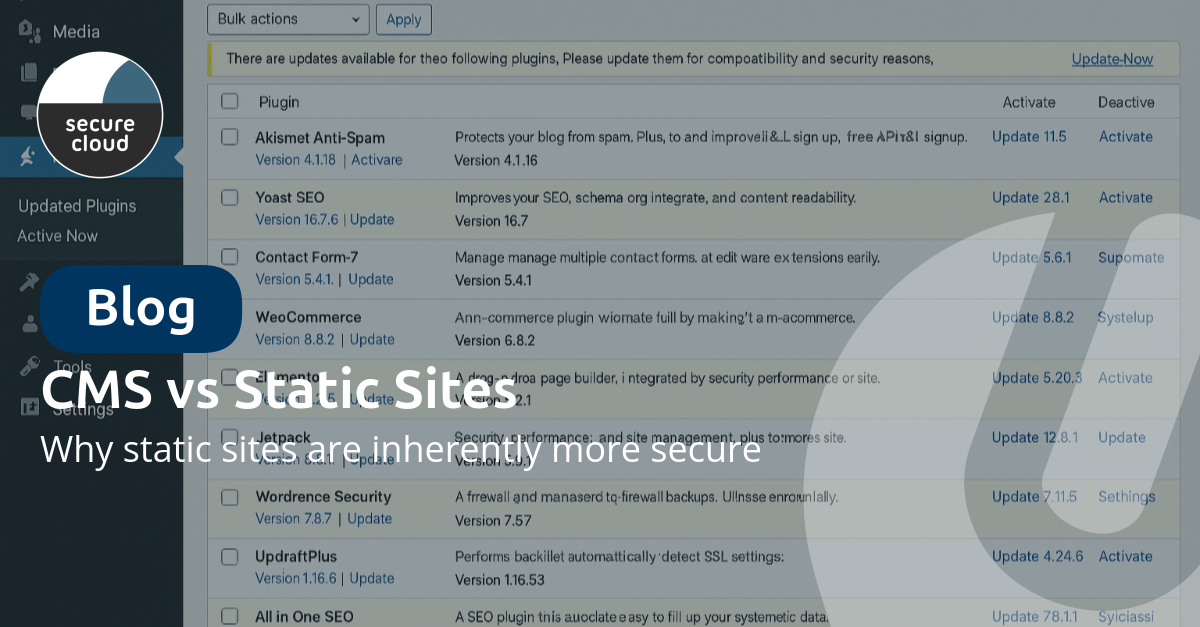
In 2025, more than 90,000 WordPress websites were hacked, per day. Traditional CMS platforms are a favorite target for cybercriminals. But there's an alternative that's gaining popularity: static sites. In this article, we compare the security of both approaches.
What's the difference between a CMS and a static site?
Content Management Systems (CMS) like WordPress, Drupal, and Joomla generate pages dynamically. Every time a visitor opens your website, a database query is executed, PHP code is interpreted, and HTML is generated.
Static sites, on the other hand, consist of pre-generated HTML files. There's no database, no server-side code, and no dynamic processing during the visit.
The 5 biggest security risks of CMS platforms
1. Plugin vulnerabilities
WordPress has more than 60,000 plugins, and each plugin is a potential entry point for hackers. Many plugins are no longer actively maintained, leaving known vulnerabilities unpatched. Additionally, not all plugin developers follow security best practices, resulting in poor code that's easy to exploit. A growing concern is supply chain attacks, where popular plugins get taken over by malicious actors who then distribute malware to thousands of websites.
2. Database attacks
CMS platforms store all content in databases, making them vulnerable to various attacks. Through SQL injection, attackers can insert malicious code via forms and input fields. A successful hack exposes all your data through database dumps. Moreover, database access often means complete control over the website through privilege escalation.
3. Authentication weaknesses
The wp-admin login page is a well-known target for attackers. With brute force attacks, they automatically try to guess passwords, while credential stuffing uses leaked passwords from other websites. Session hijacking is also common, where logged-in sessions are taken over by attackers.
4. Server-side code execution
PHP code on the server can be exploited in several ways. With remote code execution, attackers run their own code on your server. File inclusion attacks cause malicious files to be loaded and executed. Hackers often install backdoors: hidden access points that allow them to break in again later, even after the original vulnerability has been patched.
5. Maintenance burden
CMS platforms require constant maintenance to stay secure. The core software regularly needs critical security patches, while each plugin must be updated separately. Themes can also contain vulnerabilities and need to stay up-to-date. Additionally, server configuration demands attention: PHP versions, database updates, and firewall rules all need to be managed.
Why static sites are inherently more secure
No attack surface
Static sites eliminate most attack vectors simply through their architecture. SQL injection is not possible because there's no database. Plugin exploits don't exist because there are no plugins running. Brute force login attacks are pointless because there's no login page. PHP exploits can't occur because there's no PHP. Even XSS via forms has minimal risk because there are hardly any dynamic elements.
No maintenance, no risk
With static sites, you don't need to constantly run updates. There's no server-side software to patch, so patches simply aren't needed. The functionality is in the build itself, not in runtime plugins that need updating. And without a database, there are no database problems to worry about. Platforms such as uCompose build on exactly this: no plugins, no updates to run, while you can still change your content yourself.
CDN distribution as extra protection
Static sites are often hosted via a Content Delivery Network (CDN), which provides extra protection. CDNs can absorb DDoS attacks because they have enormous capacity. Your content is served from edge locations worldwide instead of from a single server. And if one location fails, others automatically take over thanks to automatic failover.
What if I need dynamic functionality?
Modern static sites can still have dynamic features. Contact forms work via serverless functions or external services. Search functionality can be solved client-side or via external APIs. User accounts are handled through specialized auth services, and even e-commerce is possible with headless commerce platforms.
The difference: these functionalities run via isolated, specialized services instead of one monolithic system.
A CMS for your static site: how do you manage content?
The most common objection to static sites: "then I can no longer change a text myself". That used to be true. Every change meant a developer editing code and deploying it again. There are now two ways around this:
- Headless CMS: content lives in a separate system and is pulled into the site at build time. This works well, but it adds another platform to manage and still requires a developer to set up.
- A CMS with built-in hosting: with uCompose you open your site, type in plain language what should change, and see the change straight away in a live preview. One click publishes the static site again. Hosting, SSL, daily backups and version history are included.
That gives you the security of a static site with the ease of use of a CMS, without plugins or a login page on your public website.
The business case for static sites
Besides better security, static sites also offer other advantages. Without server processing, you get lightning-fast load times measured in milliseconds. Static hosting is also cheaper than dynamic servers. That speed also helps your SEO, as load time is an important ranking factor for Google. And with fewer moving parts, you have higher uptime and fewer outages.
Conclusion: time to migrate?
If security matters to your organization (and it should), a static site is the smart choice. You not only eliminate most attack vectors but also save on maintenance and get a faster website.
Switch to a secure static site in 48 hours
With uCompose we build a modern, secure website without CMS vulnerabilities based on your current site, and you are live within 48 hours. After that you keep the website up to date yourself in plain language, with hosting, SSL and backups included. View uCompose and the plans.
Want to know how secure your current website is? Test your website below or contact us for a personal consultation.